New laptops get a dedicated AI chip. What it actually does
The NPU in new laptops handles background blur on video calls and speech-to-text offline, with little drain on the battery. Big chatbots are still beyond it.
For you: Whether an NPU laptop is worth the extra money depends on how much time you spend on calls.
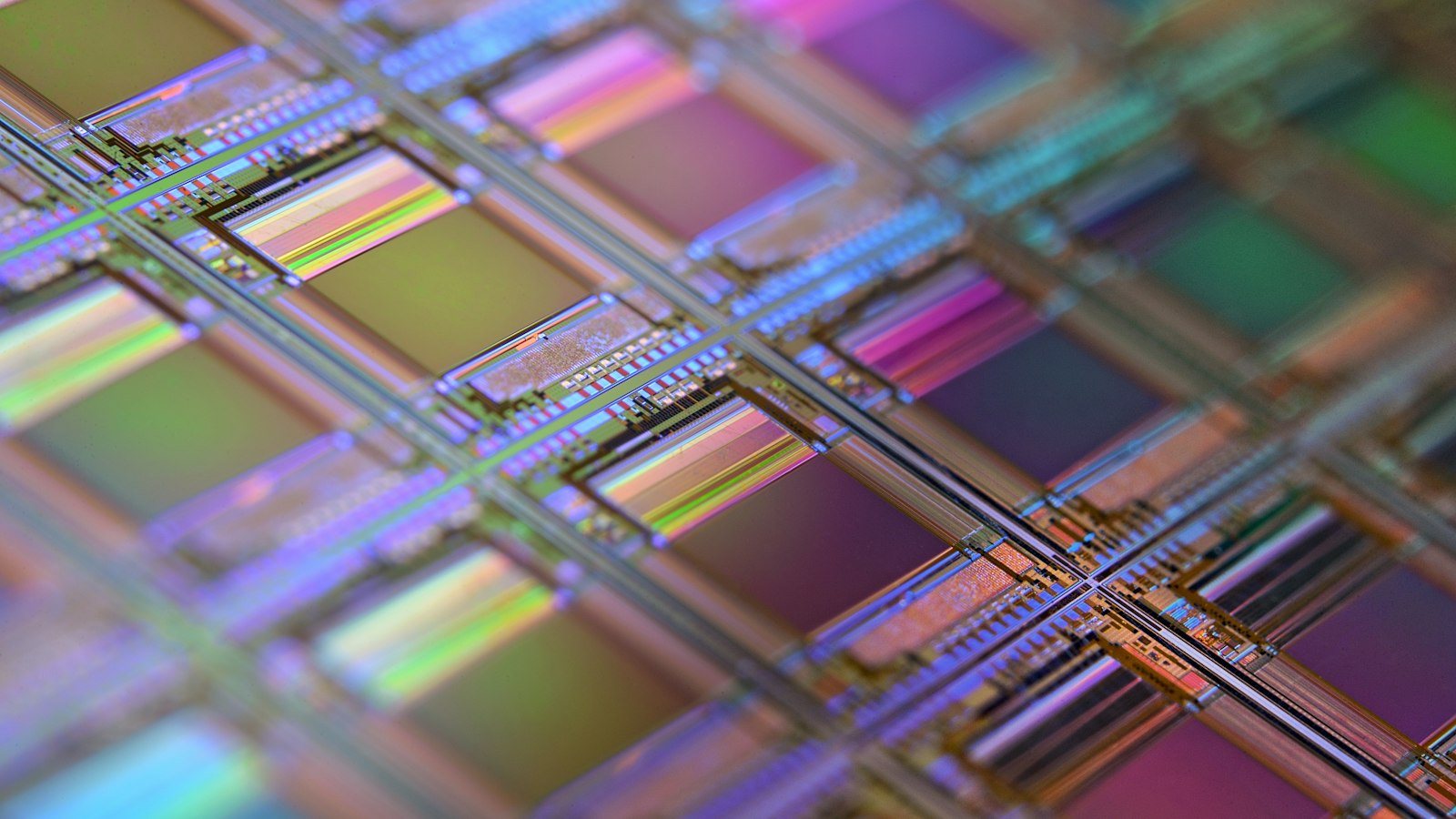
Spec sheets in laptop shops now carry a new line: NPU, or “AI chip”. Sellers present it as the headline feature. Let’s look at what the chip actually does and whether it is worth paying for.
The short version: the chip is useful but narrow. It takes over video call effects and voice typing, so the laptop runs cooler and the battery lasts longer. Chat assistants, meanwhile, still run in the cloud.
What an NPU is
NPU stands for neural processing unit. You can think of a laptop as now having three “brains”:
- the CPU — a generalist that does everything: browser, documents, apps;
- the GPU — draws the image and is good at doing many calculations in parallel;
- the NPU — a worker trained for one job.
The NPU does little, but fast. Its main task is multiplying big tables of numbers, which is what neural networks are made of. Look inside any neural network and you find a long chain of such multiplications. A regular processor can do it too, but it burns more power and heats up. The NPU is built for this one operation, so it does it efficiently.
What changes in practice
The biggest difference shows up on video calls. Background blur, lighting correction and noise suppression are all small neural networks. They used to run on the main processor. That is why, during a long lecture or meeting, the laptop got loud and hot and the battery drained fast.
Now the NPU picks up that work. The result:
- the laptop runs cooler and the fan kicks in less often;
- the battery lasts longer;
- the main processor stays free for other tasks, so working on a document during a call is smoother.
The second example is voice typing and speech-to-text. These features can now work offline, because the model runs on the laptop itself. You can dictate a note on a train, on a plane or in a village with a weak signal. There is a privacy bonus as well: your voice is not sent to someone else’s server; it stays on the device.
What an NPU cannot do
The key limit: large models are still beyond the NPU. Chat assistants are huge and need a lot of memory and computing power. So they keep running in the cloud, on remote servers. Your laptop only sends the question and receives the answer.
That means an NPU laptop will not make your chatbot faster or run it without the internet. If a seller tells you the laptop “has AI built in”, ask a precise question: which features actually run on the device, without a connection?
What it looks like on a normal day
Picture a student with three online classes in the morning, a group project call at lunch and an evening job with team meetings. The camera and noise suppression are on all day, and the laptop runs on battery in a library or café. This is where the NPU shows: the effects run on a separate, efficient chip, so there is more charge left by evening.
Now take someone who writes a term paper, works in spreadsheets and asks a chatbot questions, with almost no calls. For them the NPU changes very little; the work falls on the processor, the memory and the cloud service.
Is it worth paying extra
The main advice is simple: paying more for the chip makes sense only if you are on calls a lot. Ask yourself:
- Are you in online classes, meetings or interviews every day?
- Do you often work away from a power outlet?
- Do you dictate a lot, including where there is no internet?
If you answer yes to two or three of these, an NPU will genuinely help you. If the laptop is mostly for studying, spreadsheets, browsing and chatbots, the same money is better spent on more memory, a good screen or a bigger battery.
What to do if you live in Kazakhstan
Do not rush a big purchase. A few steps:
- Count your week. How many hours do you spend on video calls? That is the main sign of whether you need an NPU.
- Read the specs. Ask the seller which features use the NPU: background blur, noise suppression, voice typing.
- Check the language. Does the built-in voice typing support Kazakh? Try it in the shop.
- Read reviews. In battery tests, look for the video call scenario.
- Do not replace your old laptop straight away. If it handles calls fine, buying a new one just for the NPU makes little sense.
The NPU is a useful but quiet upgrade. It does not make the laptop smarter, but it makes daily calls easier. Let your routine, not the advertising, make the buying decision.


Comments
Sign in to leave a commentNo comments yet. Be the first.