Tech firms rethink junior hiring: checking code now matters more
Assistants write more of the code, so interviews now ask candidates to find the bug in it. Juniors are expected to read and check other people’s code rather than recite syntax.
For you: If you want a job in tech, learn to read, check and test code, not just write it.
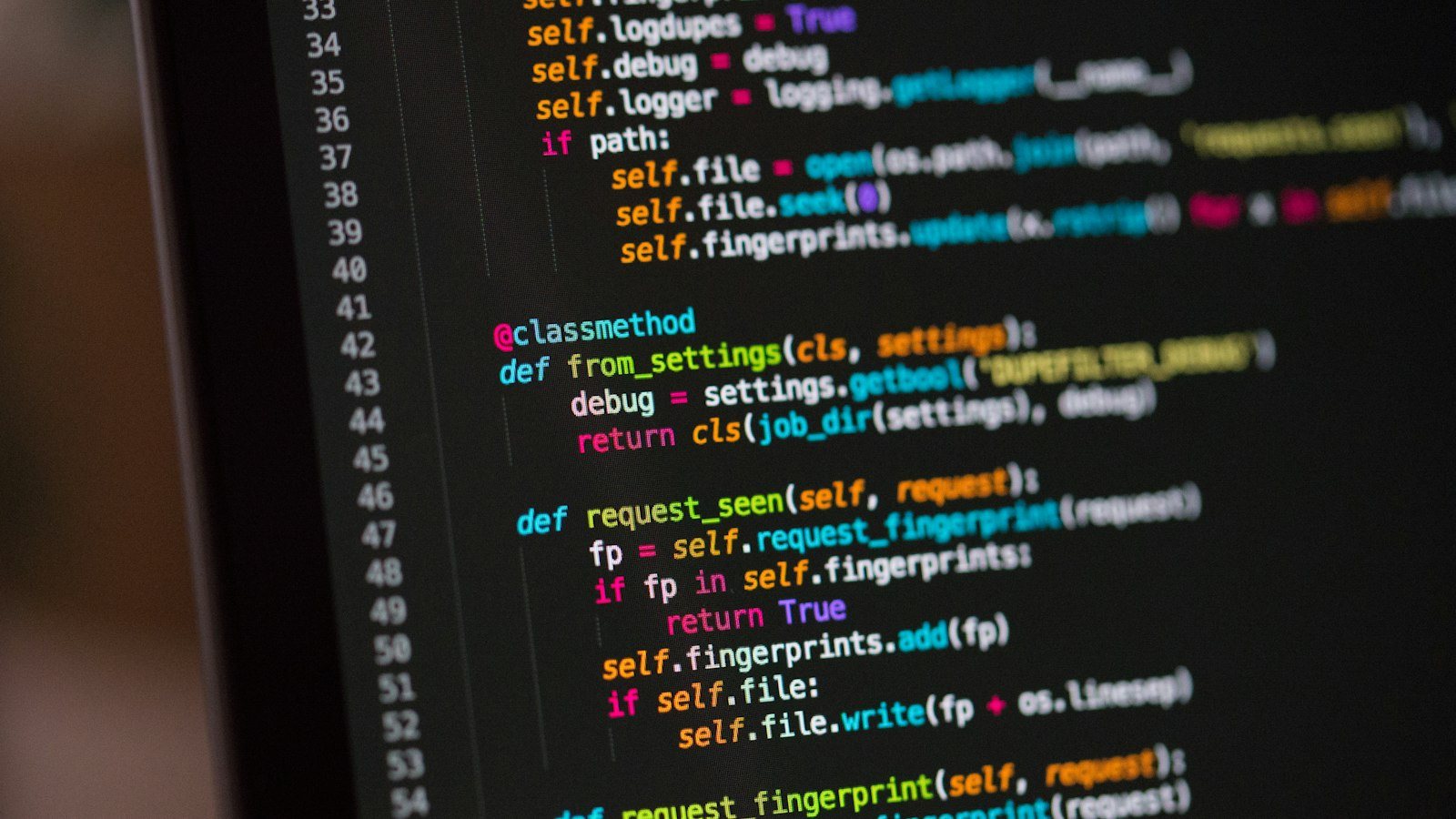
Aspiring programmers used to prepare for one thing: writing a function on a whiteboard during the interview. That is changing. Recruiters see a shift: the “write a function” task is giving way to “here is code from an AI — what is wrong with it?”
The reason is clear. Assistants now write a noticeable share of code. Writing got faster, but checking is still a human job. Companies need people who can spot the mistake, not people who type fastest.
What changed in the interview
The old interview often tested memory: do you know the function name, the language rule, the classic algorithm. The new task works differently. You get finished code. It looks fine, but there is a bug inside. You need to find it, explain why it is wrong and suggest a fix.
A task like this reveals several things at once:
- whether you can read someone else’s code and understand what it does;
- whether you see how the program works as a whole;
- whether you think about edge cases: an empty list, zero, a huge number, bad input;
- whether you can prove the bug with a test.
It helps to think out loud. First say briefly what the code is supposed to do. Then read it line by line and explain what happens at each step. Even if you do not spot the bug right away, the interviewer sees how you reason, which often counts as much as the right answer.
What companies value
Companies now rank three skills highest. The first is understanding how a program works as a whole. A single function can be correct and still break when it meets another part of the system. The second is reading other people’s code. At work you fix and extend existing code far more often than you write something new. The third is writing tests. A test is a small piece of code that automatically checks that the program behaves correctly.
Memorising syntax matters less. That does not mean it is useless. But an assistant will suggest the line you need in a second, and only you can decide whether it is right.
Why AI-written code is risky
Code from an assistant usually looks tidy: clear names, comments. That neat surface is exactly what lowers your guard. Common problems in such code:
- a missed edge case, for example the program crashes on an empty list;
- a function or library that does not exist;
- code that solves a similar task rather than the one you asked for;
- no thought for security: user input is not checked at all.
Someone who catches these errors is valuable to a team. Someone who copies code without checking is a liability.
What to do now
The advice for beginners is simple: learn to read and debug, not just write. You can turn this into daily practice:
- Read other people’s code. Open an open-source project, pick one function and describe in your own words what it does.
- Check the assistant’s code. Ask it for code and, before running it, guess where it might go wrong.
- Learn to write tests. Give every function a few tests: the normal case, an edge case, bad input.
- Use a debugger. Step through the program and watch how the variables change.
- Finish one project. Keep it small, but give it tests and a clear description.
You can use the assistant itself for practice. Copy this prompt and swap in your own topic:
Write a short Python function, about 30 lines. Topic: [topic, for example calculating a shop discount]. Hide 2 bugs in it: one logic bug and one edge-case bug. Do not tell me where they are. Only check my answer after I name the bugs I found, then explain the correct solution.What this means for juniors in Kazakhstan
Many people in Kazakhstan come into tech through courses, university or teaching themselves. Many collect certificates. But employers care about something else: a study project with tests says more about you than ten certificates. It shows how you think, whether you habitually check your work and whether you can finish what you start.
When you add a project to your CV, explain in its description how to run the tests. In the interview, be ready to walk through one specific bug you found. There is no need to hide that you use an assistant; what matters is that you can check its work.
Assistants made writing code easier. The competition is now about who understands it better and finds the bug sooner.



Comments
Sign in to leave a commentNo comments yet. Be the first.