Image generators can now write text without mistakes, Kazakh included
New image generators spell lettering correctly on posters, menus and cards, Kazakh included. Long phrases and Kazakh-specific letters still trip them up.
For you: You can make a poster or a card in minutes, but check letters like ә, ң and ү yourself.
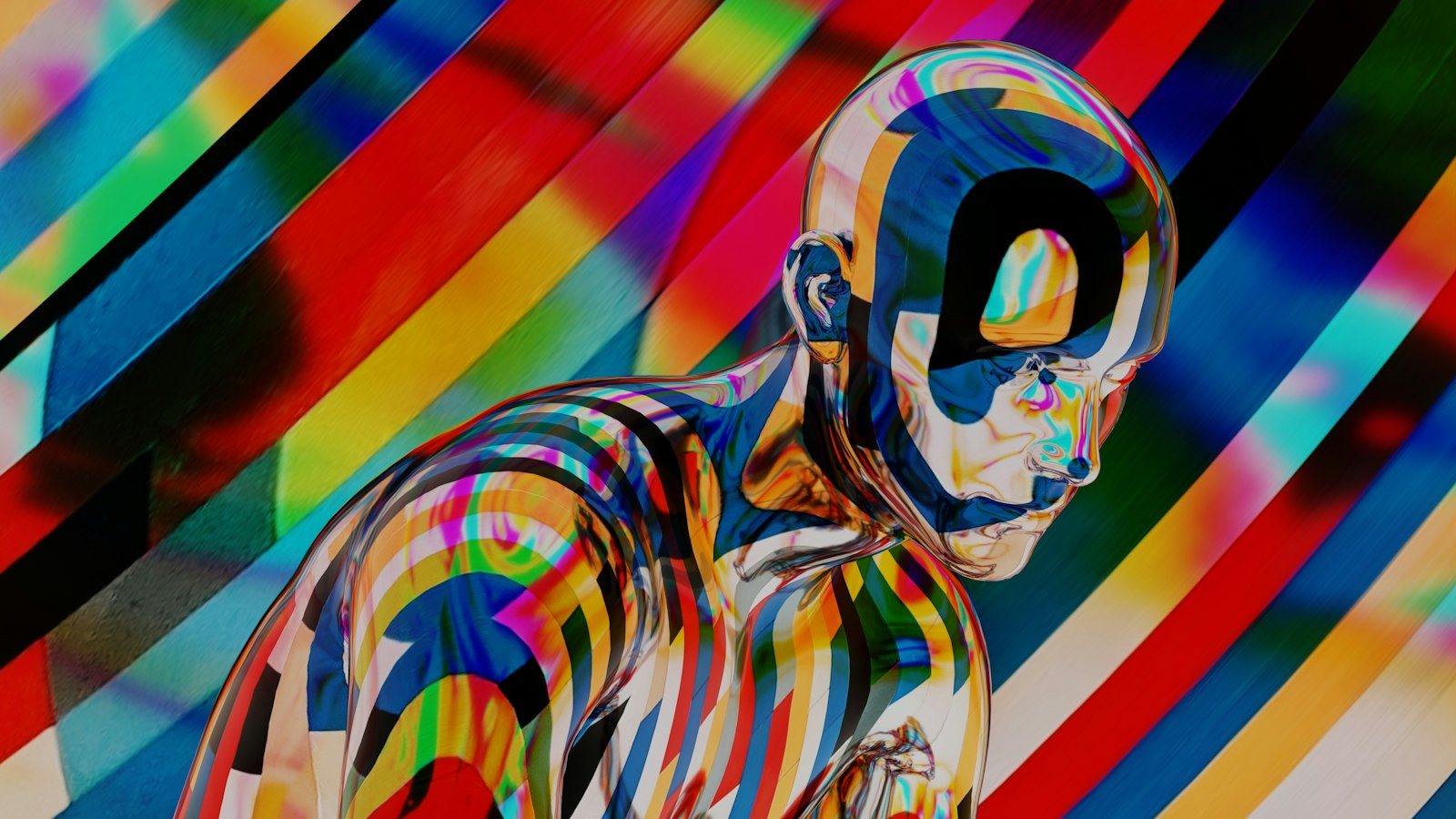
For a long time image generators had an obvious weakness: any lettering in a picture came out wrong. “Coffee” became “Cofffee”, and Cyrillic fell apart into strange symbols. You could make a good-looking poster, but you still had to add the text by hand in a separate program.
That has changed. New models from one of the major labs, along with several open models, have solved the problem. Here is what changed, where the models still slip, and what to check before you send a layout to print.
What changed
The new models draw signs, posters, covers and menus with correctly spelled words. And not only in English: they also handle lettering in Russian and Kazakh.
Why was this hard before? An image generator draws a picture as a whole, not piece by piece. To the model, a letter is just another set of lines and shapes. It would draw something that looked like writing, but it could not keep the letters in the right order. The new models link text and image more closely, so the word in the picture stays the same word you asked for.
It also matters that open models are on the list. Any developer can download an open model and build it into their own service. So correct lettering will not stay locked inside one big company's product; it will spread to many apps and websites.
What the tests showed
Designers in Almaty who tested the models for local cafes say the result depends on the length of the text:
- short lines of up to five or six words come out right almost every time: a cafe name, a promotion, a dish on a menu;
- with long phrases, the model still makes mistakes, dropping a letter or repeating a word;
- with letters specific to Kazakh, it sometimes gets confused, mixing up “ң” and “н” or “ү” and “у”.
That last mistake is especially sneaky. At a glance, “ң” and “н” look alike, and someone skimming the layout may miss it. A reader who knows Kazakh will spot it straight away.
Who will find this useful
For small businesses and students, this means a simple layout no longer requires a designer. For example:
- a promotion poster or a one-page menu for a cafe;
- an announcement for a student event;
- a birthday or holiday card;
- a cover image for a social media post.
It does not replace a designer. A brand style, a complex composition or long-term branding still needs a professional. But for a one-day promotion or a quick announcement, a generator is enough.
Be specific in your request: put the exact text in quotation marks and say where it should go. For example:
A vertical poster for [cafe name]. At the top, in large letters: “[short text, up to 5 words]”. At the bottom, in smaller letters: “[date and time]”. Style: [for example, warm colours, minimalist]. Write the text exactly as given, without changing any letters.What to check before printing
Do not send a generated image straight to the print shop. A short checklist:
- Read every word letter by letter. Pay special attention to ә, ғ, қ, ң, ө, ұ, ү, һ and і.
- Check the numbers. Date, time, price, phone number: one wrong digit ruins the whole poster.
- Keep the text short. If you need longer text, split it into several short lines or add it later in a separate program.
- Show the layout to at least one careful reader. It is hard to spot your own typos, and a fresh pair of eyes finds them quickly.
This simple rule saves money: fixing a typo on a banner costs more than fixing it in a chat. In a chat, one request fixes the mistake. A printed banner has to be printed again.
What you can do now
Being able to make a layout with Kazakh lettering quickly is good news for local businesses and students. To make the most of it:
- Start with something simple. Make a card for a friend or an announcement for your group's event.
- Work with short lines. Five or six words at most; the model draws them more reliably.
- Ask for several versions. Get three or four images from one request and pick the one with the most accurate lettering.
- Check Kazakh letters separately. If you find a mistake, ask the model to redraw only that line.
- Show it to someone else before printing. It is the cheapest and most reliable check there is.
The tool has improved, but responsibility for correct text still lies with a person. The model draws fast; the final look is yours.
Comments
Sign in to leave a commentNo comments yet. Be the first.