Canva launches Canva Craft image model that plans design layouts before generating them
Design platform Canva has introduced its first in-house AI image generation model, Canva Craft. The model uses a two-stage approach to plan layouts and readable text before rendering visuals.
For you: You can now generate social posts and marketing graphics with clean layouts and editable layers directly inside Canva.
Canva has stepped into direct competition with OpenAI, Google, and Meta by launching its first proprietary image generation model, named Canva Craft. Unlike traditional generators that render pixels in a single pass, the new system plans the structural layout of a graphic before generating the final image.
The feature is now live for all Canva users globally, accessible through the platform's creative workspace.
Two-stage architecture for precise layouts
The fundamental limitation of many generative image tools is poor typography and chaotic object placement. Canva Craft addresses this via a split-pipeline workflow.
- Design planning: The model parses the user's prompt to map spatial relationships, scale, typographic hierarchy, and text placement.
- Visual generation: The engine renders images at up to 2K resolution across more than 30 aspect ratios tailored for modern digital platforms.
According to Canva, this deliberate structural separation delivers tangible improvements:
"greater precision, consistency and control,"
the company stated in its announcement.
Trained on real templates and editable layers
Instead of training exclusively on raw photographs, Canva trained Canva Craft on millions of human-designed templates from its existing ecosystem. The training dataset included presentation slides, infographics, menus, social media posters, and typography-heavy assets. Researchers from Leonardo.ai, which Canva acquired in 2024, contributed directly to the model's development.
Because the model understands graphic structure, generated outputs integrate natively with Canva Magic. Users can split a generated image into editable layers, modifying individual design elements or copy without redrawing the entire background. Canva also confirmed that lightweight variations, Craft-fast and Craft-ultrafast, are currently in development.
Benchmark rankings and MCP integration
On the crowdsourced Design Arena leaderboard, Canva Craft debuted in fourth place, trailing only OpenAI’s specialized models: GPT-Image-2.5 Sunburst, GPT-Image-2.5 Flare, and GPT-Image-2.
Canva also intends to make the model available via API and connect it to third-party AI agents, such as ChatGPT and Gemini, utilizing the open Model Context Protocol (MCP). This will let external assistants trigger Canva-native asset generation directly.
Practical steps for everyday workflows
For creators, marketers, and students managing visual assets, Canva Craft cuts down the need to bounce between Midjourney or DALL-E and editing suites. Having legible text and multi-ratio support inside one tool speeds up day-to-day graphic production.
To try the model today:
- Open Canva on desktop or mobile.
- Click the three-dot icon on the left navigation bar.
- Open
Dream Labto enter prompts and test the new layout-first generator.
Sources
- The Verge Tech — Canva’s first AI image model plans designs before generating them
- TechCrunch — AI — Canva releases its first image generation model
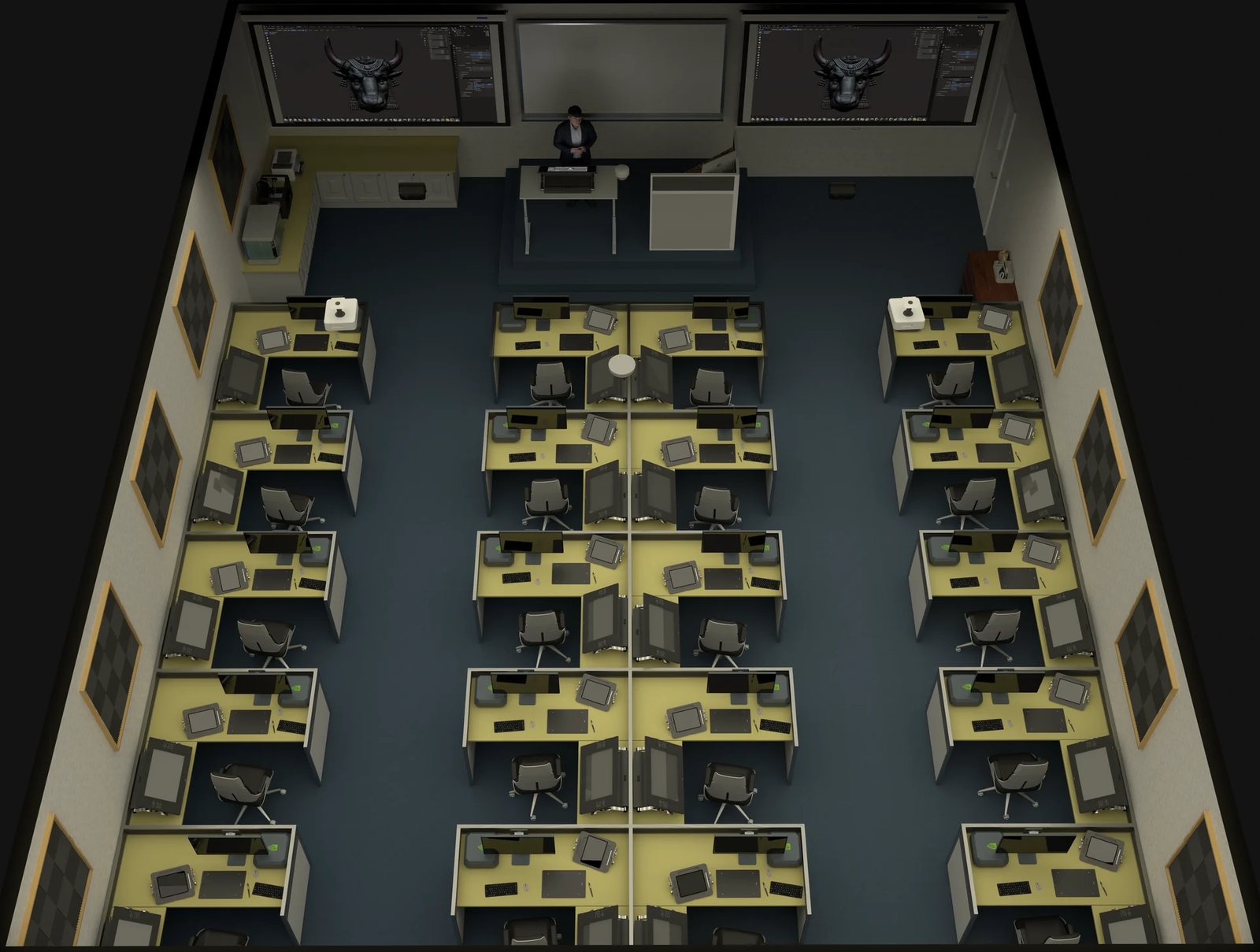
Photo: Digital art classroom, Wikideas1 — CC0
Source: www.theverge.com

Comments
Sign in to leave a commentNo comments yet. Be the first.